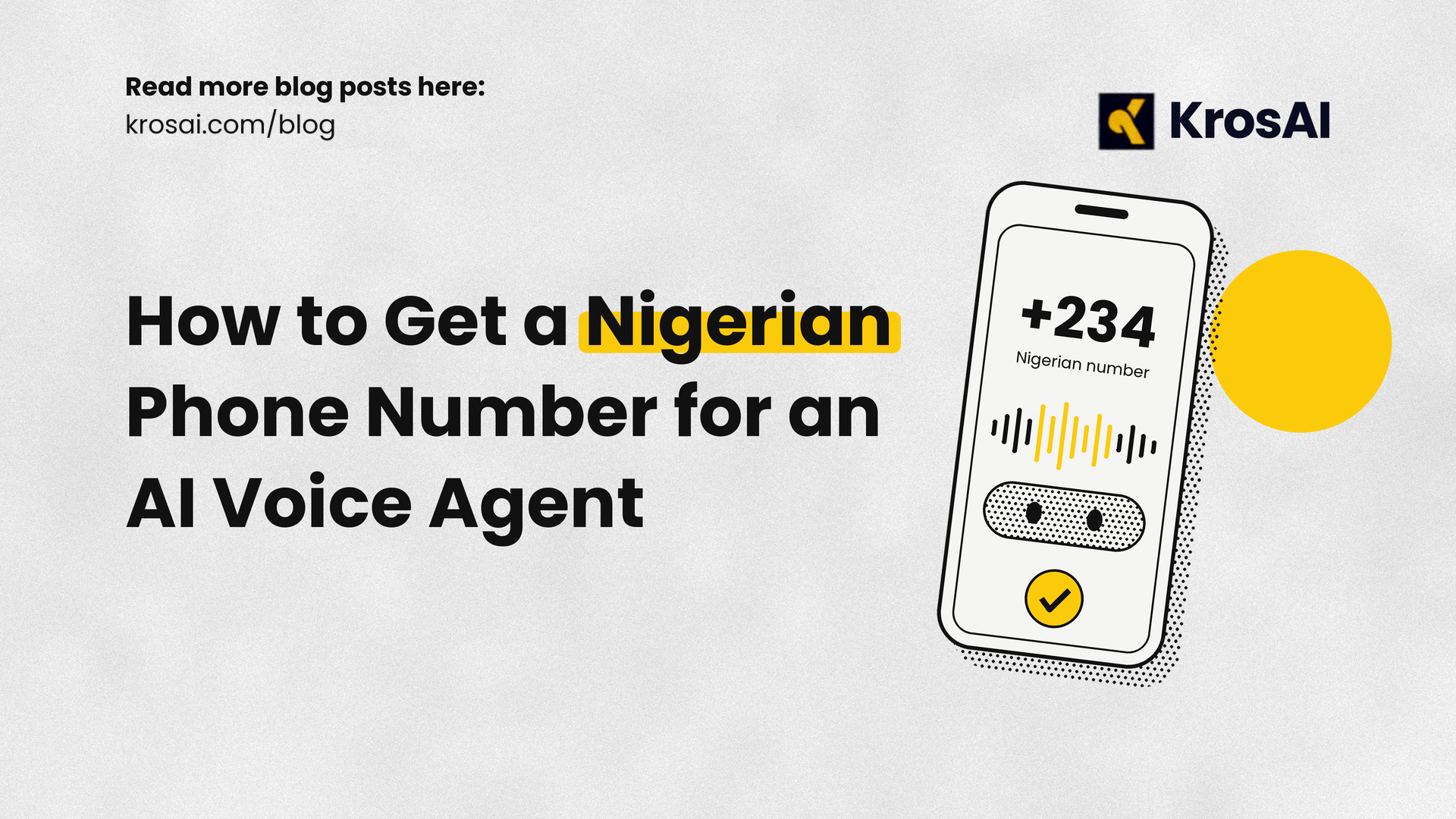
How to Get a Nigerian Phone Number for an AI Voice Agent
Learn how to get a Nigerian phone number for your AI voice agent using KrosAI. Follow this step-by-step guide to purchase, configure and connect your local number to ElevenLabs, Vapi, Retell or LiveKit.
AI voice agents are changing how businesses communicate with customers. From answering customer enquiries and booking appointments to handling sales calls and providing support, businesses can now automate phone conversations without relying entirely on human agents.
However, building an AI voice agent that can hold a conversation is only one part of the process. For that agent to communicate with people over regular telephone networks, it needs access to a real phone number.
This is particularly important for businesses operating in Nigeria. Customers are more likely to engage with a service they can reach through a familiar local phone number rather than having to navigate unfamiliar international calling options.
Getting a Nigerian phone number for an AI voice agent, however, involves more than simply purchasing a SIM card or registering a virtual number. You need telephony infrastructure that can connect your AI agent to local phone networks, route incoming and outgoing calls, and handle the technical and regulatory requirements involved.
For developers and businesses looking to deploy AI voice agents in Nigeria, KrosAI provides a way to handle this process. Its platform connects AI voice agents to real phone networks, allowing users to provision Nigerian phone numbers and integrate them with voice AI platforms such as ElevenLabs, Vapi, Retell, LiveKit, and custom-built agents.
In this guide, we'll explain what you need to know and walk you through the process of getting a Nigerian phone number for your AI voice agent using KrosAI.
Why Does Your AI Voice Agent Need a Nigerian Phone Number?
An AI voice agent needs a way to communicate with people outside its development environment. While you can build and test an agent using a web interface or development platform, communicating with customers through regular phone calls requires a connection to the public telephone network.
A Nigerian phone number gives your agent that connection.
Here are some reasons why having a local number matters:
1. Easier communication with Nigerian customers
A local number makes it easier for customers to recognise and contact your business. Instead of relying on international numbers, you can provide a familiar Nigerian contact number for customer support, enquiries, bookings, and other business interactions.
2. Inbound and outbound calling
With the right telephony infrastructure, your AI agent can receive incoming calls and initiate outgoing calls. This makes it useful for customer support, appointment reminders, payment confirmations, lead follow-ups, and other automated communication tasks.
3. A more local customer experience
Local phone numbers help businesses establish a familiar point of contact in the markets they serve. Combined with an AI agent configured for local accents and languages, this can make automated conversations feel more accessible to Nigerian customers.
4. Easier deployment across business operations
Once your AI agent is connected to a working phone number, you can incorporate it into existing business processes. For example, a real estate company could use it to answer property enquiries, while a financial services company could deploy agents for customer notifications and follow-ups.
What Do You Need Before Getting a Nigerian Phone Number for Your AI Agent?
Before purchasing a number, there are a few things you should have in place.
A KrosAI account: You'll need an account on the KrosAI platform to search for and purchase a Nigerian phone number.
KYC verification: Nigerian phone number provisioning requires identity verification. You'll need a valid government-issued ID and proof of address.
An AI voice agent: You should have an agent created on a platform such as ElevenLabs, Vapi, Retell, or your own voice AI infrastructure.
An active KrosAI integration: You'll need to connect your AI provider to KrosAI so calls can be routed between your phone number and your agent.
You don't necessarily need to be an experienced telecom developer to get started. KrosAI provides a dashboard for managing phone numbers, integrations, and endpoints, alongside API documentation for developers who prefer programmatic control.
How to Get a Nigerian Phone Number Using KrosAI
KrosAI simplifies the process of getting a local phone number and connecting it to your AI voice agent. Rather than negotiating directly with telecom operators or building your own telephony infrastructure, you can manage the process through the KrosAI platform.
Here's how to do it.
Step 1: Create a KrosAI Account
Start by visiting the KrosAI platform and creating an account.
You can sign up using your email address or Google account. Once registered, you'll have access to the KrosAI dashboard, where you can manage your phone numbers, integrations, endpoints, and calls.
Step 2: Complete Your KYC Verification
Before you can purchase a Nigerian phone number, you must complete Know Your Customer (KYC) verification.
This is an important part of the number provisioning process because telecommunications services are subject to regulatory and identity verification requirements.
For Nigerian numbers, KrosAI's documentation lists the following requirements:
A valid government-issued identification document.
Proof of address, such as a utility bill.
You can initiate the verification process directly from your KrosAI dashboard. The platform uses Sumsub to facilitate secure identity verification.
Submit the required documents and wait for your verification to be approved. According to the documentation, Nigerian number verification may take approximately 24–48 hours.
One useful thing to know is that KYC verification is account-wide. Once your account has been verified, you can use that approval when purchasing numbers in other supported KrosAI markets.
Step 3: Search for an Available Nigerian Phone Number
After your KYC verification has been approved, you can proceed to purchase a Nigerian phone number.
From your KrosAI dashboard:
Navigate to Phone Numbers.
Select Buy Number.
Choose Nigeria (+234) as your country.
Select your preferred number type and area code, where available.
Browse the available numbers and choose one that suits your requirements.
KrosAI supports local and mobile number types in Nigeria. Local numbers can be useful for businesses that want a presence associated with a particular location, while mobile numbers may be more suitable for services that require a mobile-format number.
The available inventory will determine which numbers you can select at the time of purchase.
Step 4: Purchase Your Nigerian Phone Number
Once you've selected an available number, proceed with the purchase through the dashboard.
KrosAI handles the underlying carrier integration and number provisioning process, so you don't have to negotiate directly with telecom operators.
After completing the purchase, your number will appear in your KrosAI account. You can monitor its provisioning status from the Phone Numbers section.
A number typically moves through a pending status while provisioning is underway before becoming active.
Once active, it is ready to be configured for your AI voice agent.
How to Connect Your Nigerian Phone Number to an AI Voice Agent
Getting the number is only half the process. You also need to connect it to the AI agent that will handle your calls.
KrosAI supports integrations with several voice AI providers, including ElevenLabs, Vapi, Retell, and LiveKit. You can also connect custom endpoints.
The exact configuration depends on the provider you're using.
Step 5: Connect Your AI Voice Provider to KrosAI
Log in to your KrosAI dashboard and navigate to Settings → Integrations.
Select your AI voice provider and follow the connection instructions.
For example:
ElevenLabs: Connect your ElevenLabs account using the required credentials and agent details.
Vapi: Connect your Vapi account using your API key and configure the SIP trunk required for phone connectivity.
Retell: Connect your Retell account using your API key and the relevant agent configuration.
LiveKit: Configure your LiveKit SIP connection and provide the required integration credentials.
If you're using a custom-built voice agent, you can configure a custom endpoint to route calls to your own infrastructure.
The important thing is to establish a working connection between your AI provider and KrosAI.
Step 6: Create an Endpoint for Your AI Agent
An endpoint determines where incoming calls to your phone number should be routed.
Think of it as the connection between your Nigerian phone number and the AI agent responsible for answering calls.
To create one:
Navigate to Endpoints on your KrosAI dashboard.
Select Add Endpoint or Create Endpoint.
Give your endpoint a descriptive name.
Select your AI provider or the appropriate custom endpoint type.
Enter the required agent details or connection information.
Complete the configuration and create the endpoint.
For example, if you're using Vapi, you'll need the relevant Vapi assistant and SIP configuration details.
You can find the provider-specific instructions in the KrosAI integration documentation.
Step 7: Attach Your Phone Number to the Endpoint
Now that your endpoint is configured, the next step is to connect it to your Nigerian phone number.
Select your purchased number and assign the endpoint you've just created.
This tells KrosAI which AI agent should handle calls coming through that particular number.
You can also configure inbound and outbound call permissions independently, depending on how you intend to use the number.
Once the configuration is complete, your phone number and AI agent are connected.
Step 8: Test Your AI Voice Agent
Before making the number available to customers, test it to ensure everything works as expected.
Start by calling your Nigerian phone number from another phone.
If the configuration is correct, the call should be routed through KrosAI to your connected AI voice agent, which should answer and begin the conversation.
You can also use the Playground available in the KrosAI dashboard to test calls without having to write additional code.
During testing, pay attention to:
Whether incoming calls reach your AI agent.
Whether the agent responds correctly.
Whether the audio quality is clear.
Whether conversations flow naturally without unnecessary delays.
Whether call events and transcripts are appearing correctly in your dashboard.
You can also test outbound calling if you've enabled that functionality.
Once everything works as expected, your AI voice agent is ready to communicate with customers through your Nigerian phone number.
Can You Use KrosAI With an Existing AI Voice Agent?
Yes. You don't have to build a new AI voice agent from scratch just to use a Nigerian phone number.
KrosAI is designed to work with existing AI voice platforms and custom-built agents. If you've already created an agent using ElevenLabs, Vapi, Retell, or LiveKit, you can connect it to KrosAI and use a provisioned local number for real phone calls.
This means you can keep your existing AI development setup while using KrosAI to handle the telephony infrastructure.
For developers building their own solutions, KrosAI also provides API access for searching available numbers, purchasing numbers, configuring endpoints, and managing calls.
You can explore the Phone Numbers API documentation for more technical details.
How Much Does a Nigerian Phone Number Cost on KrosAI?
The cost of getting a Nigerian phone number depends on the number subscription and how you use it.
KrosAI's published country documentation currently lists the following Nigerian number rates:
Service Published rate
Monthly number cost $3.00
Inbound calls $0.300 per minute
Outbound calls $0.300 per minute
Your overall costs will depend on the number of calls you handle, their duration, and whether you're using inbound or outbound calling.
It's also worth accounting for the cost of your AI voice provider, as that may be billed separately from your KrosAI telephony usage.
Check the KrosAI pricing page for current platform pricing and applicable charges before deploying your solution.
Why Use KrosAI to Get a Nigerian Phone Number for Your AI Voice Agent?
There are different ways to approach phone connectivity for AI agents, but getting a number alone doesn't solve the infrastructure challenges involved in running voice AI over real telephone networks.
KrosAI brings the essential components together.
Local number provisioning: Get access to Nigerian phone numbers through the KrosAI platform without having to negotiate directly with local carriers.
AI provider flexibility: Connect agents built with ElevenLabs, Vapi, Retell, LiveKit, and other supported platforms without rebuilding your existing voice AI setup.
Compliance and KYC: KrosAI incorporates market-specific verification and compliance requirements into its number provisioning process.
Call routing: Connect local phone numbers to your AI endpoints and manage how incoming and outgoing calls are handled.
Real-time call performance: KrosAI provides telephony infrastructure designed for the network conditions found in emerging markets, helping support responsive voice conversations.
The goal is to make it easier for developers and businesses to deploy AI voice agents that can communicate over real phone networks in the markets they serve. If you're ready to connect your AI voice agent to a Nigerian phone number, get started with KrosAI and explore the developer documentation to begin.
Continue Reading
How Many Calls Can One Phone Number Handle at the Same Time?
Building Voice AI for Noisy Networks: What Developers Need to Know